
Best Webcams for 2026
Discover in-depth webcam reviews to find the perfect camera for video conferencing, streaming, and remote work. Our expert analysis covers image quality, low-light performance, and compatibility to help you make an informed purchase decision for your home office or professional setup.
Updated February 2026 • 16 Products Analyzed
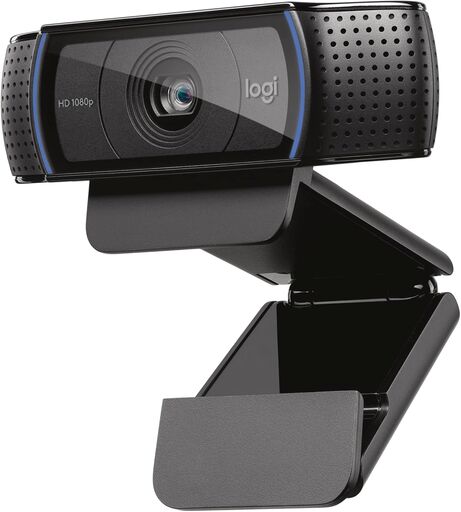
Logitech C920x HD Pro Webcam
The Logitech C920x delivers exceptional full HD 1080p video quality at its current price point, making it an excellent choice for video conferencing, content creation, and streaming. With intelligent HD light correction, dual stereo microphones, and broad software compatibility (Teams, Meet, Zoom), it offers professional-grade performance without the premium cost. Users consistently praise its image clarity and reliability, though occasional autofocus quirks and lack of privacy shutter are minor drawbacks.
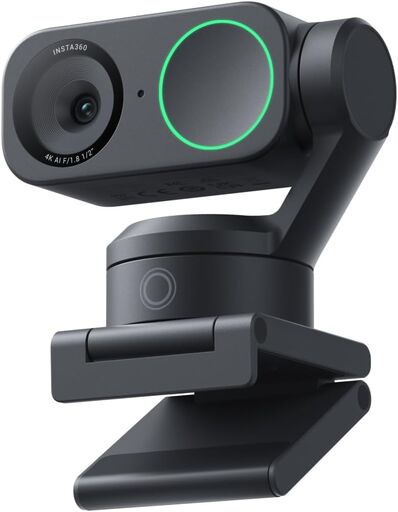
Insta360 Link 2 4K Webcam
The Insta360 Link 2 is a premium 4K PTZ webcam that delivers exceptional video and audio quality for professional streaming and video calls. With advanced features like AI tracking, gesture controls, and intelligent noise cancellation, it consistently outperforms competitors at its current price point. The intuitive software and reliable performance make it an excellent choice for content creators and professionals seeking high-end webcam functionality.
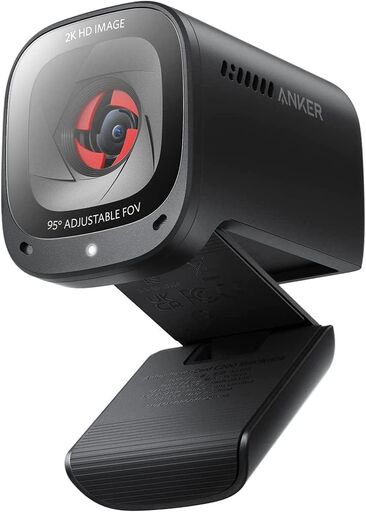
Anker PowerConf C200 2K Webcam
The Anker PowerConf C200 delivers professional-grade video quality at its current price point, featuring 2K resolution, AI noise cancellation, and exceptional low-light performance. Users consistently praise its ease of setup, reliable autofocus, and built-in privacy cover, making it an ideal choice for remote work and video conferencing. While it excels at everyday meetings and calls, it's not designed for high-performance streaming or high-refresh-rate applications.
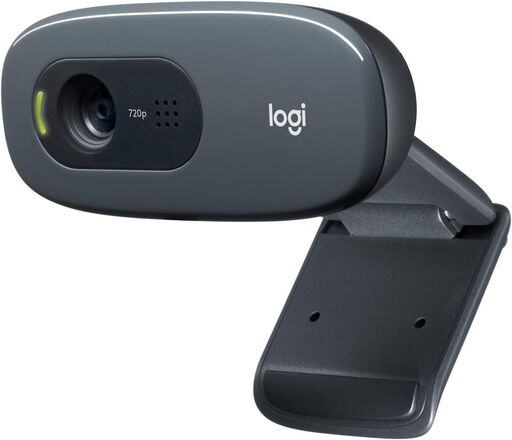
Logitech C270 HD Webcam
The Logitech C270 delivers excellent value with crisp 720p video, reliable plug-and-play setup, and effective light correction for video calls. Users consistently praise its sharp image quality and built-in noise-reducing microphone, making it ideal for budget-conscious professionals. Minor mounting issues with thin bezels and limited zoom adjustment are the only notable drawbacks.
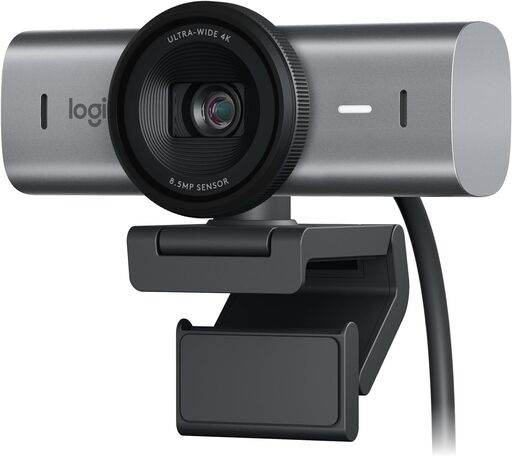
Logitech MX Brio Ultra HD 4K Webcam
The Logitech MX Brio Ultra HD 4K is a premium webcam delivering exceptional video quality with 4K resolution at 30fps or 1080p at 60fps, enhanced by AI-powered image adjustments and dual beamforming microphones. Users praise its outstanding clarity, advanced manual controls, and Show Mode for desk sharing, though some report mounting stability issues. Overall, it's an excellent choice for professionals and content creators seeking professional-grade video performance.
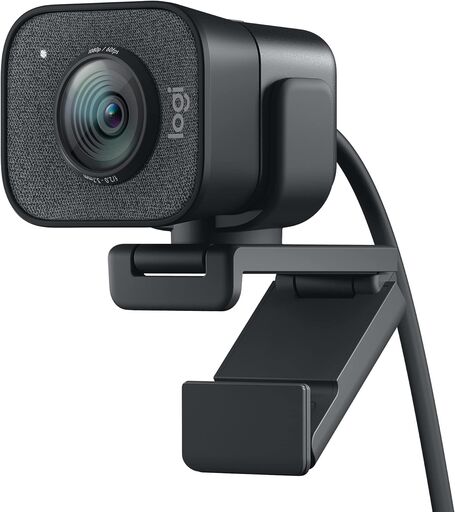
Logitech StreamCam Premium Webcam
The Logitech StreamCam delivers professional-grade 1080p 60fps video ideal for streaming and content creation. With premium glass optics, smart autofocus, and robust software controls, it excels in image quality and versatility across platforms. While the built-in microphone is adequate, most users find this webcam an excellent value for serious creators.
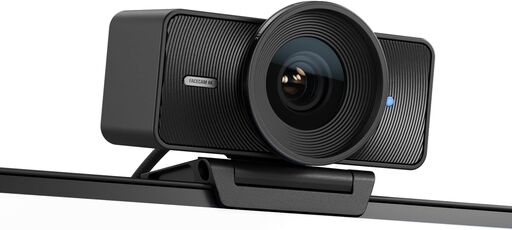
Elgato Facecam 4K
The Elgato Facecam 4K delivers exceptional video quality with its premium Sony STARVIS 2 sensor and 4K60 capability, making it ideal for streamers and content creators. Users consistently praise its superior image clarity, low-light performance, and intuitive Camera Hub software compared to competitors like Logitech and Razer. However, the camera requires strong lighting to perform optimally and lacks some bundled accessories like a privacy cover.
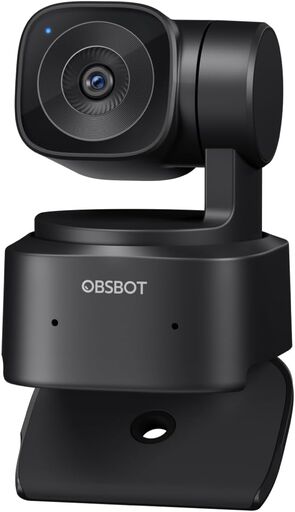
OBSBOT Tiny SE 1080P Webcam
The OBSBOT Tiny SE delivers professional-grade video quality at an affordable price with impressive AI tracking, smooth 1080p@100fps performance, and gesture control. While the hardware excels with low-light performance and customizable preset modes, the software platform has occasional bugs and stability issues that require workarounds. Overall, it's an excellent choice for streamers, content creators, and business users who can overlook software quirks.
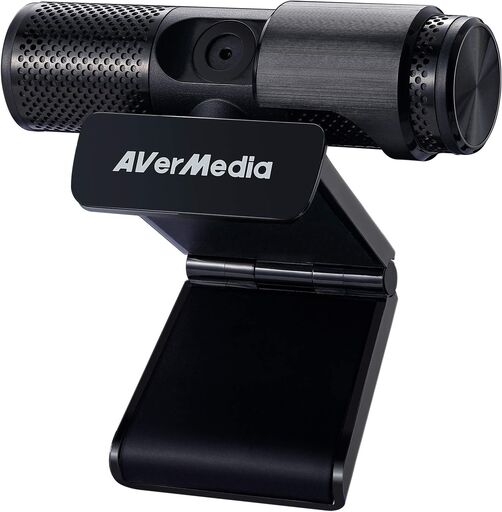
AVerMedia Live Streamer Cam 313
The AVerMedia PW313 is a solid full-HD 1080p webcam with excellent color accuracy, sharp image quality, and a versatile 360-degree swivel design. While it requires proper lighting and setup through the CamEngine software to achieve optimal results, users consistently praise its superior performance compared to competitors like Logitech. At its current price point, it offers strong value for content creators and professionals conducting video conferences and streaming.
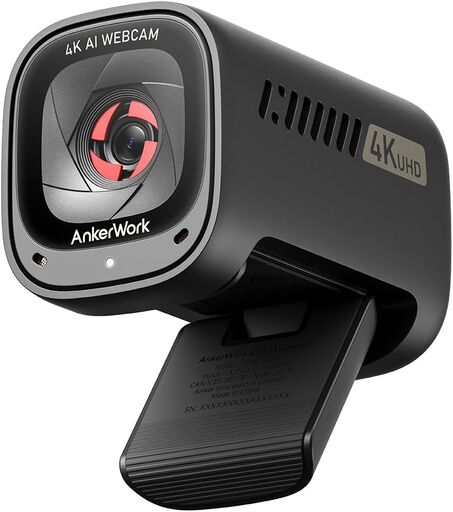
Anker AnkerWork C310 Webcam
The Anker AnkerWork C310 is a versatile 4K webcam delivering sharp image quality, excellent AI-powered features, and reliable performance at its current price point. Users praise its crystal-clear video, solid build quality, intuitive design, and low-light performance, making it an excellent choice for professional video calls and streaming. While it requires USB 3.0+ for full 4K capability and has minor limitations with noise cancellation and motion-tracking features, it represents outstanding value for the feature set.
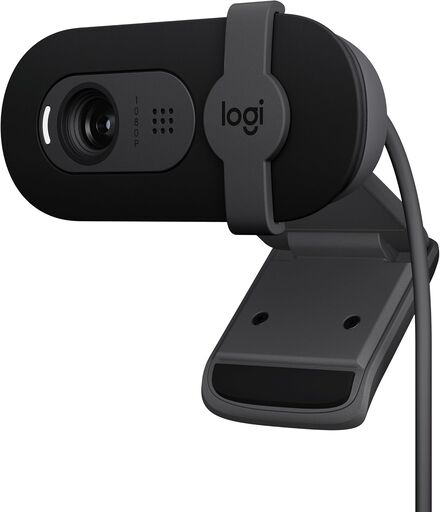
Logitech Brio 101 Full HD 1080p Webcam
The Logitech Brio 101 is a budget-friendly Full HD webcam that delivers reliable performance for video calls, streaming, and work meetings with excellent plug-and-play setup. Users praise its sharp image quality, built-in microphone, RightLight auto-balance feature, and privacy shutter, though some note minor mounting issues with thin-bezel monitors and a slightly narrow field of view. Overall, it offers solid value for casual and professional use at its current price point.
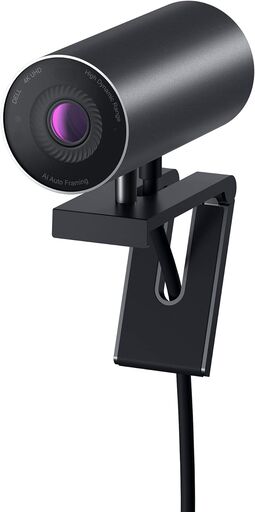
Dell UltraSharp Webcam WB7022
The Dell UltraSharp WB7022 delivers professional-grade 4K video with exceptional low-light performance, advanced AI auto-framing, and reliable auto-focus technology. Users consistently praise its sharp image quality and premium build, though the software dependency and lack of built-in audio are notable limitations. Overall, it's an excellent choice for professionals seeking high-quality video conferencing and content creation.
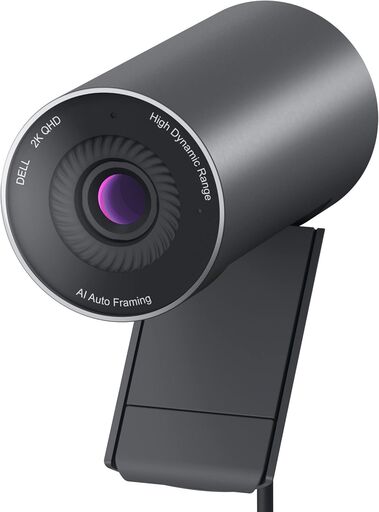
Dell Pro Webcam WB5023
The Dell Pro Webcam WB5023 delivers exceptional 2K video quality with reliable auto-focus and AI face tracking, making it ideal for professional video conferencing. Featuring a premium Sony Starvis sensor, HDR mode, and sturdy build quality, it offers a noticeable upgrade from standard 1080p webcams. However, the webcam requires functional Dell software to access advanced features, and some users have experienced setup issues on certain systems.
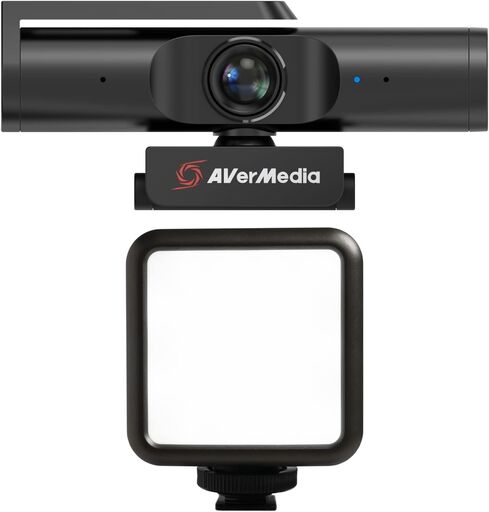
AVerMedia PW513 Live Streamer CAM Light
The AVerMedia PW513 is a professional-grade 4K webcam bundled with a rechargeable RGB light, designed for streamers and remote workers seeking studio-quality video. With 4K recording capability and flexible RGB lighting (2500K-9000K), it delivers professional aesthetics for gaming, streaming, and conferencing. The compact bundle offers excellent value for content creators seeking an all-in-one streaming solution.
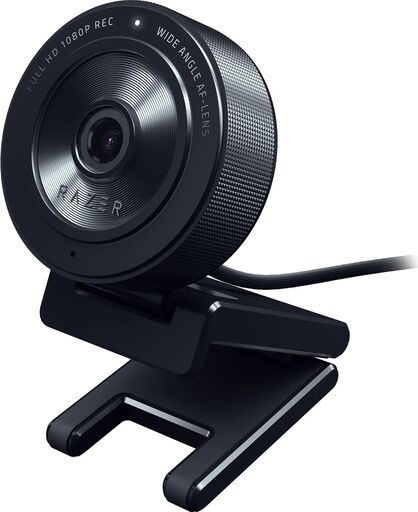
Razer Kiyo X Full HD Streaming Webcam
The Razer Kiyo X delivers excellent 1080p video quality with built-in ring light and auto-focus capabilities, making it ideal for streaming and professional video calls. While most users praise its crisp image clarity and reliable performance, some concerns about long-term durability and software bloat warrant consideration. At its current price point, it offers solid value for content creators and professionals seeking a high-quality webcam solution.
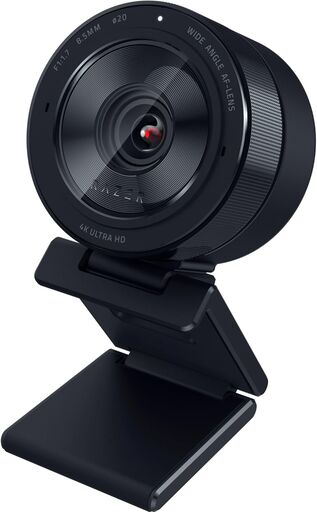
Razer Kiyo Pro Ultra 4K Webcam
The Razer Kiyo Pro Ultra delivers professional-grade 4K video quality with exceptional low-light performance, thanks to its large Sony STARVIS 2 sensor and F/1.7 aperture lens. Users consistently praise its DSLR-like image quality, AI-powered auto-exposure, and hardware-based portrait mode, making it ideal for content creators and streaming professionals. However, software issues on Windows and Mac compatibility limitations prevent this flagship webcam from achieving perfection.