
Best Ergonomic Keyboards for 2026
Discover expert reviews and comparisons of the best ergonomic keyboards designed to reduce strain, improve posture, and boost productivity during long work sessions. Our comprehensive guides help you find the perfect ergonomic keyboard to enhance comfort and efficiency in your home office or workplace.
Updated February 2026 • 14 Products Analyzed
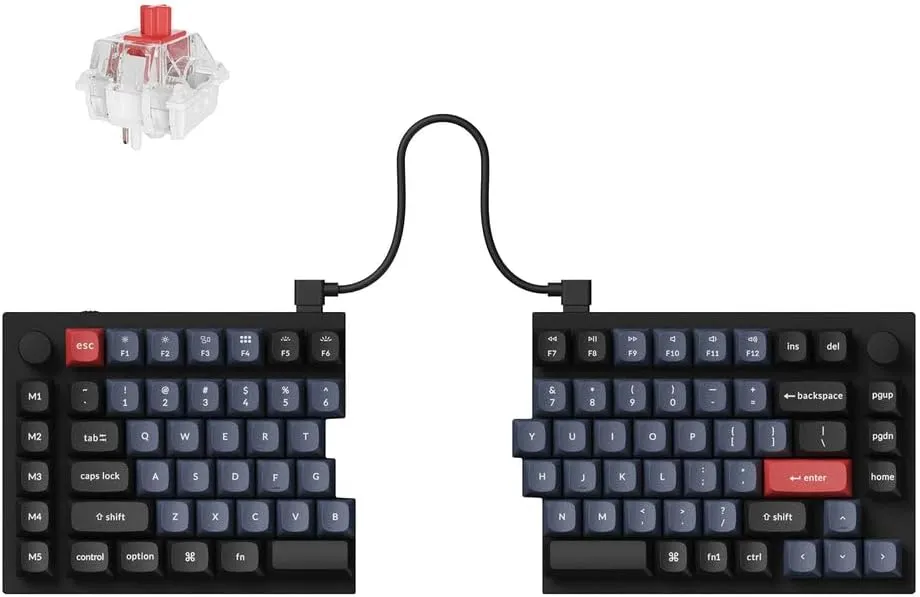
Keychron Q11 QMK/VIA Split Keyboard
The Keychron Q11 is a premium split mechanical keyboard featuring extensive customization through QMK/VIA firmware, hot-swappable switches, and a robust aluminum frame with PBT keycaps. Users praise its excellent build quality, typing feel, and programmability, though it's a desktop-focused device with limited portability and a fixed angle design. The split layout and comprehensive feature set make it ideal for professionals seeking ergonomic improvement and deep keyboard customization.
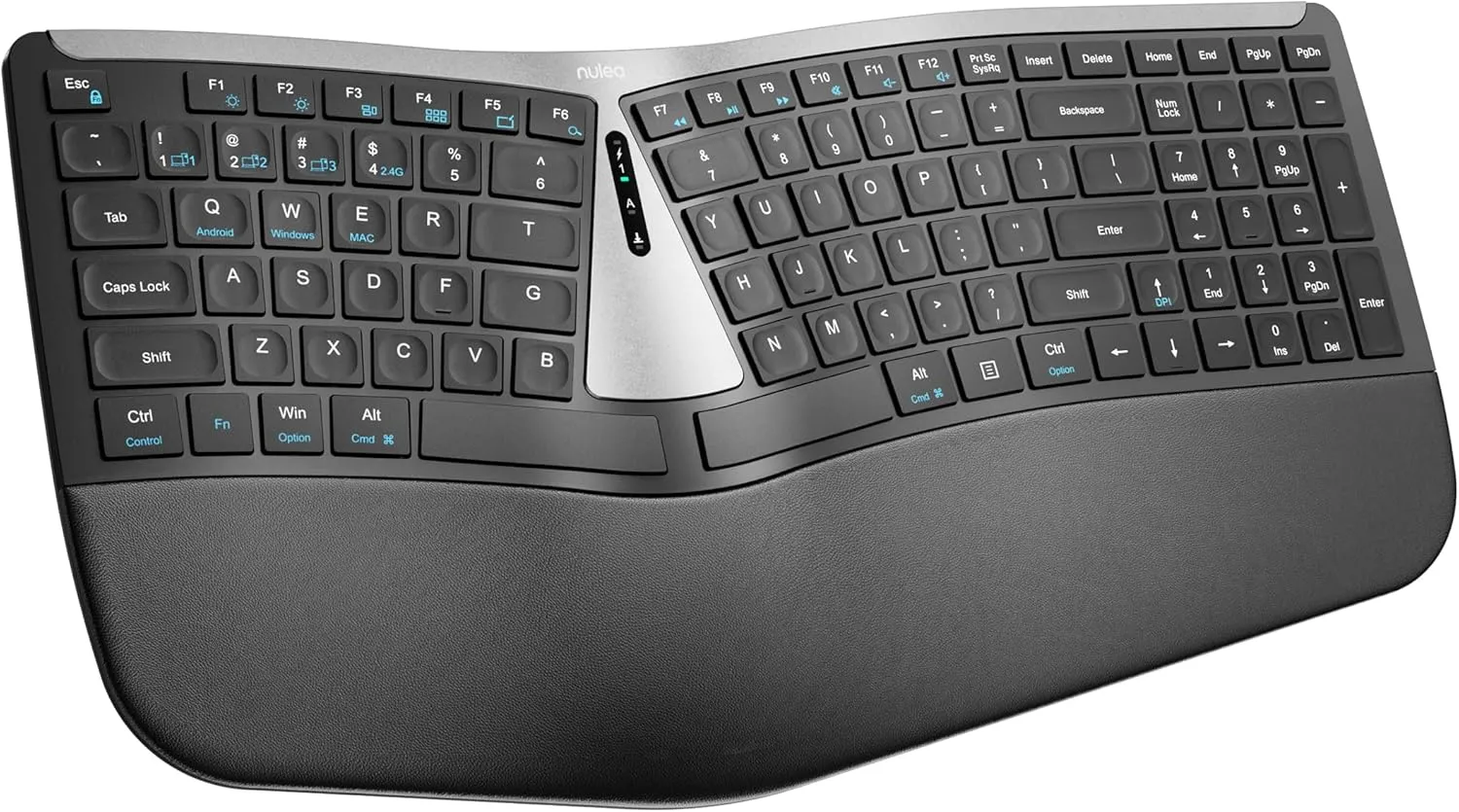
Nulea RT07B Wireless Ergonomic Keyboard
The Nulea RT07B is a split ergonomic keyboard designed to reduce wrist strain and carpal tunnel pain with its natural typing position and comprehensive palm rest. Featuring a rechargeable 200-hour battery, dual-mode connectivity (Bluetooth and 2.4G), and quiet scissor-switch keys, it delivers excellent functionality at an affordable price point. Users consistently praise its comfort for extended use and responsive typing experience.
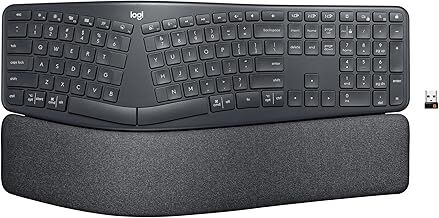
Logitech Ergo K860 Wireless Ergonomic Keyboard
The Logitech Ergo K860 is a modern split-design ergonomic keyboard that delivers excellent wrist support through its curved layout, pillowed memory foam wrist rest, and adjustable tilt options. Users consistently praise its comfortable typing experience, quiet keys, and long-term ergonomic benefits, with many reporting reduced wrist strain during extended work sessions. The keyboard combines thoughtful ergonomic engineering with practical dual-connectivity features and sustainable materials.
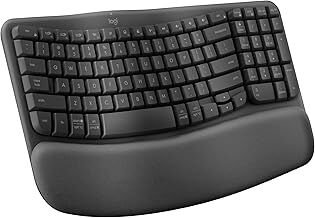
Logitech Wave Keys Wireless Ergonomic Keyboard
The Logitech Wave Keys is a compact, well-engineered ergonomic keyboard that combines comfort with functionality through its wave-shaped design and cushioned palm rest. Users consistently praise its quiet key response, seamless multi-device connectivity, and genuine ergonomic benefits, though the compact layout and lack of backlighting require a brief adjustment period. It represents excellent value for professionals and data-entry workers seeking lasting wrist comfort without gaming-oriented features.
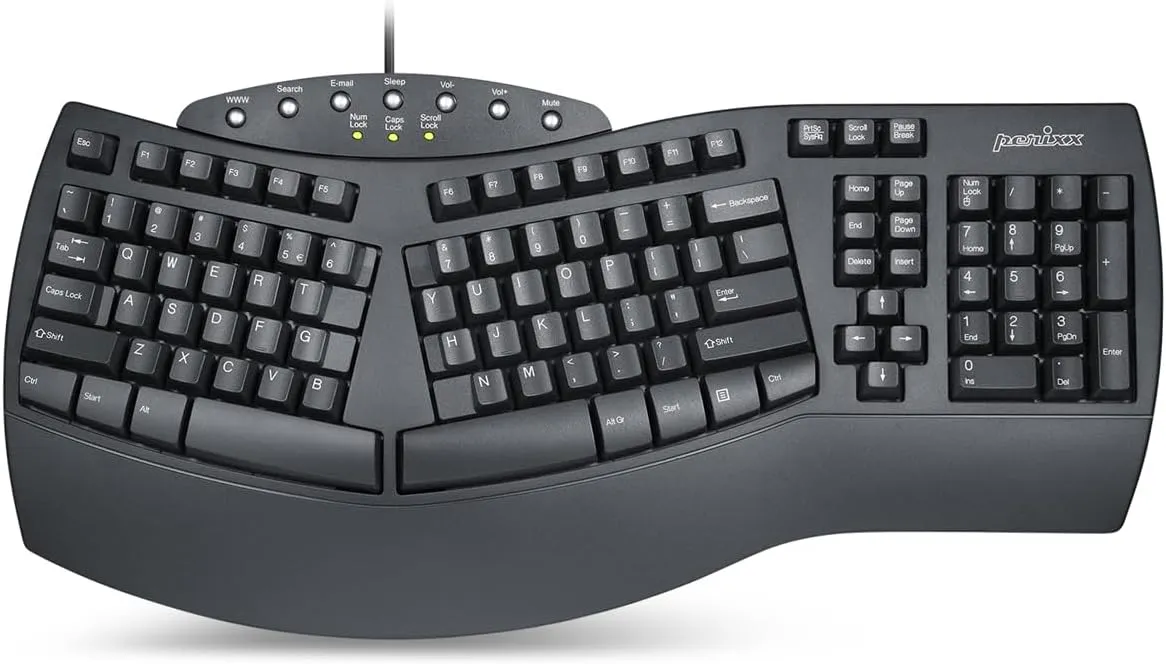
Perixx PERIBOARD-512B Ergonomic Keyboard
The Perixx PERIBOARD-512B is a split-key ergonomic keyboard with deep key travel and tactile feedback that mimics the classic Microsoft Natural Keyboard experience. It delivers solid build quality and natural typing posture support at an accessible price point, though users need an adjustment period for the non-standard key placement. Most reviewers praise its comfort for long typing sessions and appreciate the wired USB connection with extended 6-foot cable.
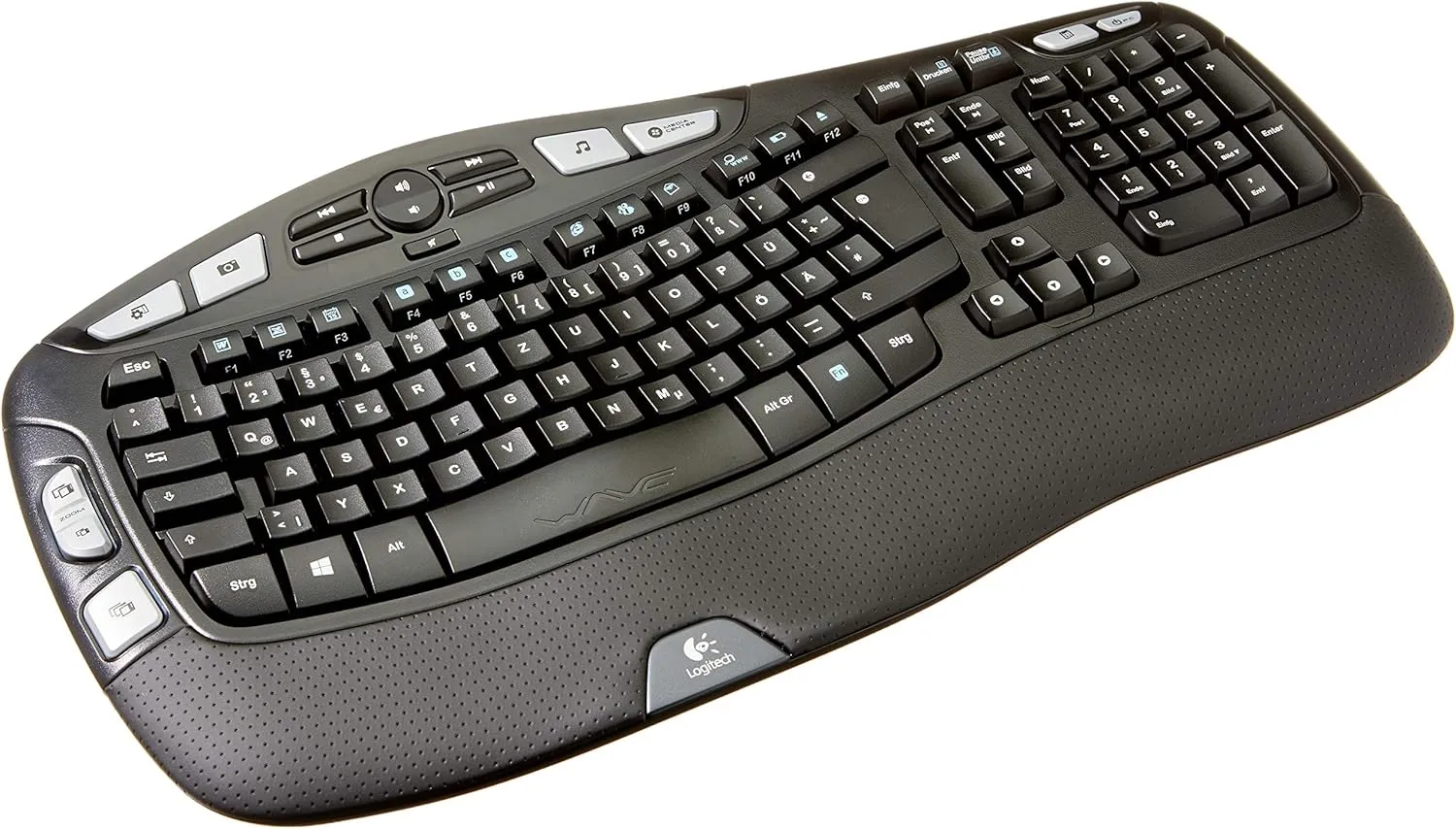
Logitech K350 Wireless Keyboard
The Logitech K350 is a well-designed ergonomic keyboard featuring a cushioned palm rest, curved key frame, and 17 multimedia hot keys for comfortable all-day typing. With exceptional durability spanning up to three years of battery life and strong performance for users with repetitive strain concerns, it offers outstanding value for money. However, occasional quality control issues and limited availability in certain keyboard layouts may be drawbacks for some users.
Kinesis Freestyle2 Ergonomic Keyboard
The Kinesis Freestyle2 is an award-winning split ergonomic keyboard that addresses chronic typing-related strain through its adjustable separation (up to 9"), customizable tenting angles, and low-force key switches. Users consistently report significant improvements in forearm, wrist, and shoulder comfort after switching to this keyboard. While it requires a brief adjustment period and has some key placement quirks, the exceptional build quality and long-term durability make it a worthy investment for professionals who spend extended hours typing.
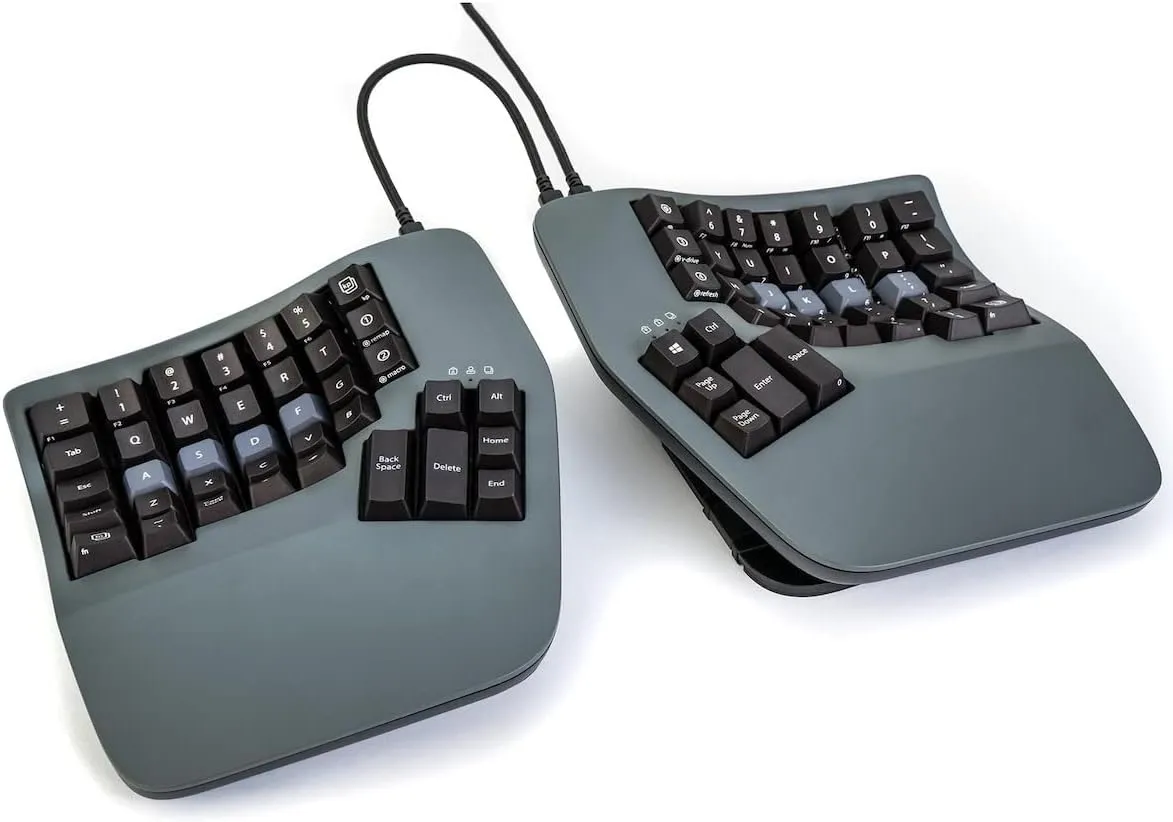
Kinesis Advantage360 Split Ergonomic Keyboard
The Kinesis Advantage360 is a premium ergonomic split keyboard featuring a contoured design, adjustable tenting, mechanical switches, and extensive programmability that delivers significant wrist and shoulder pain relief for heavy typists. While it demands a 1-2 week learning curve and the ZMK customization software can be unintuitive, users report it offers superior ergonomic benefits compared to standard layouts and competing split keyboards. Some connectivity and double-press issues have been reported, though recent firmware updates have improved reliability.
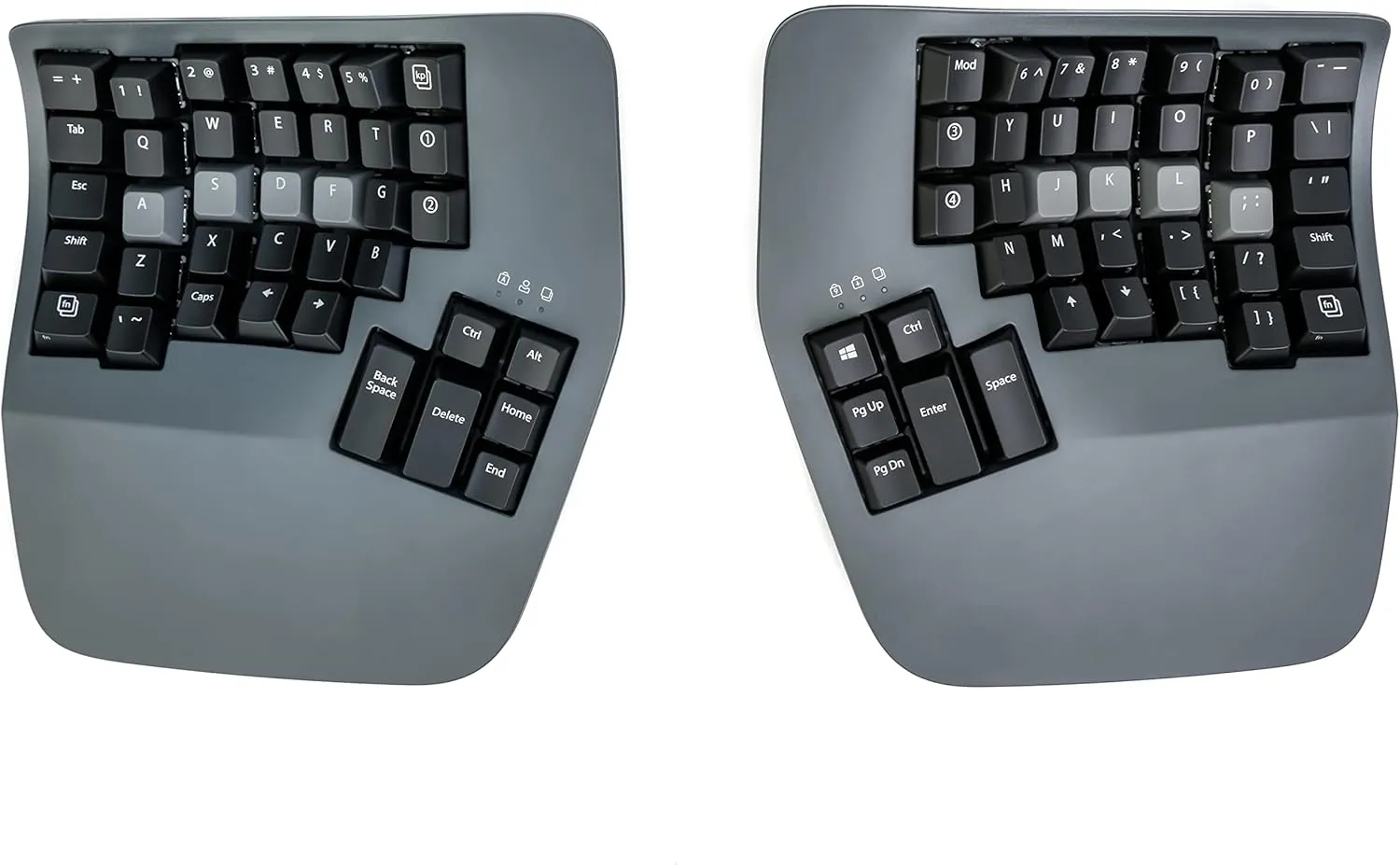
Kinesis Advantage360 Professional Split Ergonomic Keyboard
The Kinesis Advantage360 is a premium ergonomic split keyboard designed to reduce wrist strain and shoulder tension through its contoured keywells, adjustable tenting, and separated hand positioning. With mechanical switches, full programmability via ZMK, and true Bluetooth connectivity, it delivers exceptional comfort for heavy typists and those suffering from repetitive strain injuries. While the learning curve is steep and the ZMK configuration process is complex, users consistently report significant pain relief and long-term satisfaction after the adjustment period.
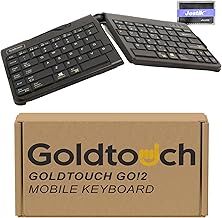
Goldtouch Go!2 Mobile Keyboard
The Goldtouch Go!2 is a foldable, portable ergonomic keyboard featuring patented adjustable split design (0-30° horizontal and vertical tenting) with soft-touch keys suitable for travel and remote work. Users consistently praise its ergonomic comfort and portability, though some note that key responsiveness is adequate rather than exceptional, and a small number experienced durability concerns on first use.
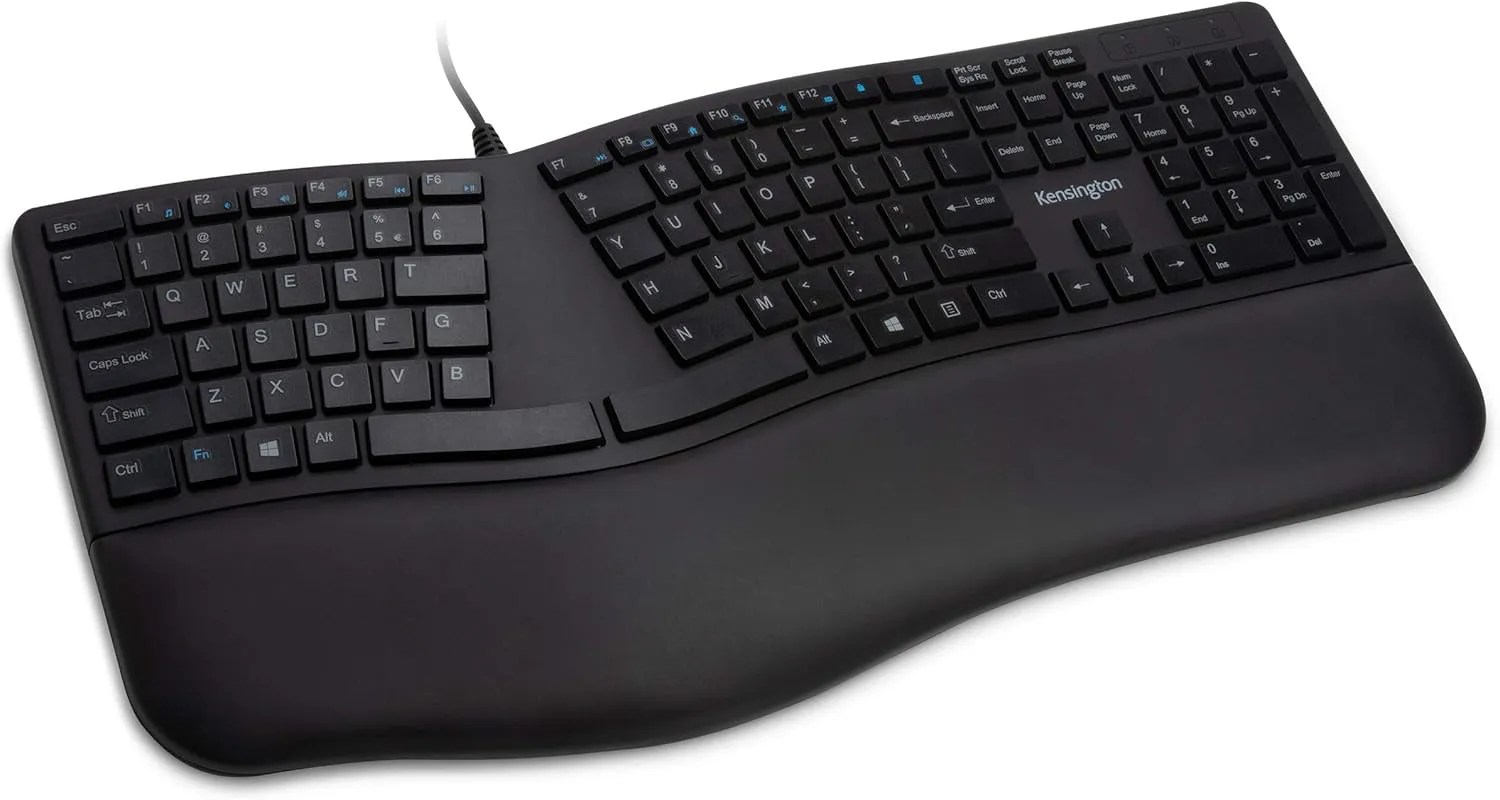
Kensington Pro Fit Ergonomic Wired Keyboard
The Kensington Pro Fit is a budget-friendly ergonomic keyboard featuring a split design with built-in wrist rest and soft, quiet keys that many users find comfortable for extended typing. While praised for its thoughtful key layout and pain-reducing ergonomic support, some users report concerns about build quality, durability of key labels, and keyboard stability on desks.
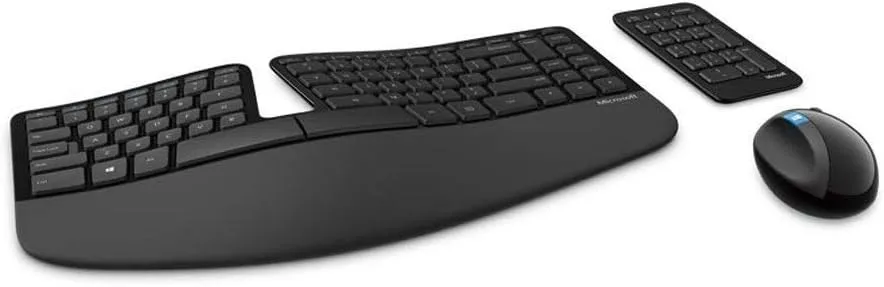
Microsoft Sculpt Ergonomic Wireless Desktop
The Microsoft Sculpt Ergonomic Wireless Desktop combines thoughtful ergonomic design with convenient wireless functionality, featuring a split keyset layout, natural arc key design, and included number pad. While it delivers excellent ergonomic support and has demonstrated longevity in long-term use, reliability concerns regarding connectivity issues and product condition upon delivery are notable drawbacks. This keyboard appeals to users seeking genuine ergonomic benefits but requires careful attention to purchasing from reputable sellers to avoid quality issues.
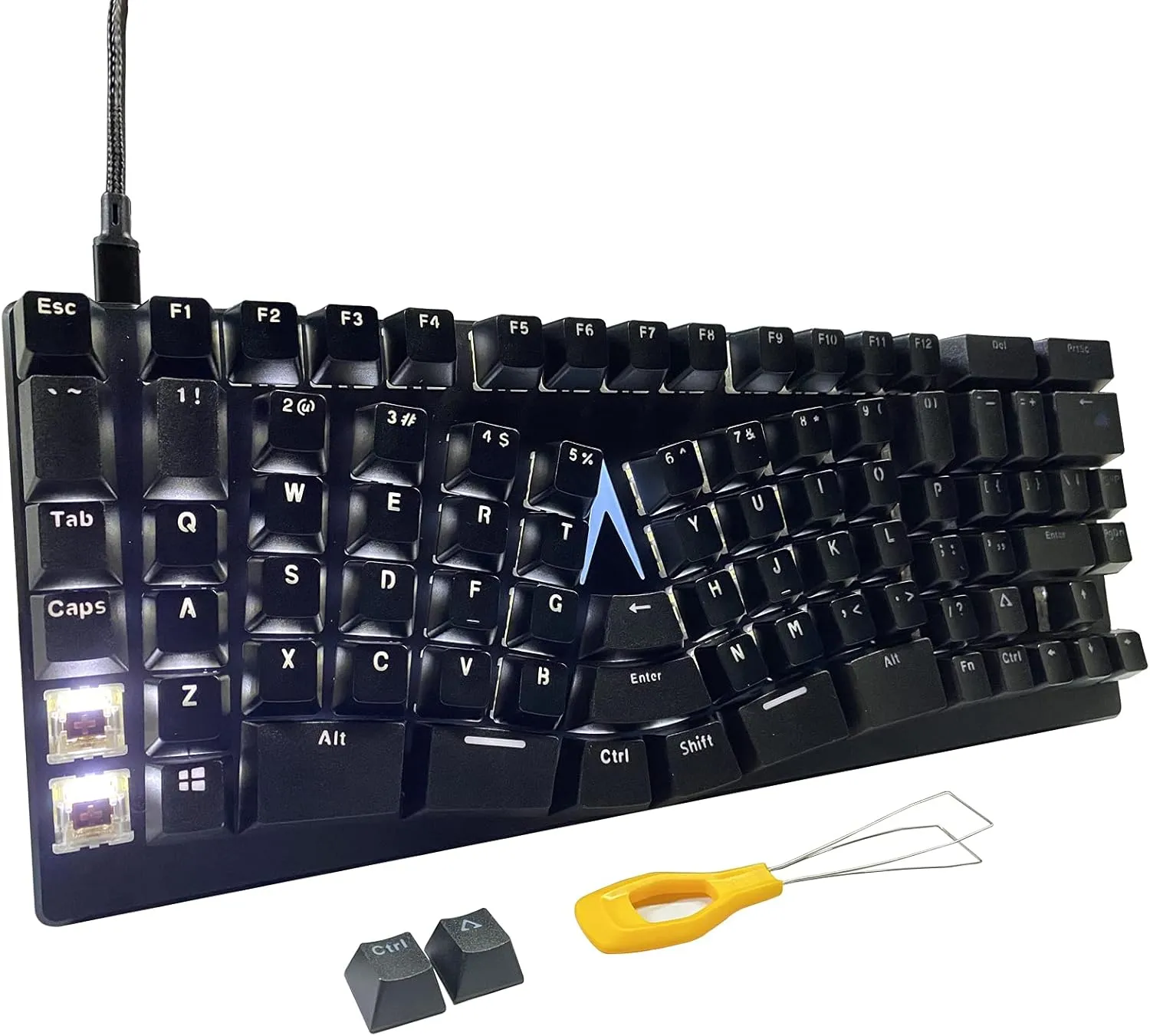
Maketheone M Ergonomic Mechanical Keyboard
The Maketheone M is an unconventional ergonomic mechanical keyboard featuring a unique butterfly layout with premium build quality and tactile response. While it offers genuine ergonomic benefits for users willing to invest time in adaptation—particularly for those with hand pain or RSI—the non-standard key positions and steep learning curve prove problematic for many users and can feel counterintuitive for gaming or fast-paced typing tasks.
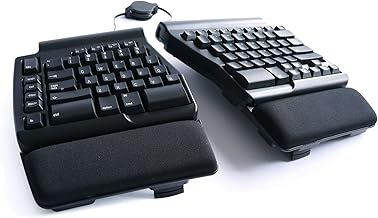
Matias Programmable Ergo Pro Keyboard
The Matias Programmable Ergo Pro offers an ergonomic split design that effectively supports recovery from wrist injuries and provides helpful programmability features. However, multiple users report significant reliability issues including unresponsive keystrokes, connection failures, and hardware degradation within the first year, making this premium-priced keyboard a risky investment despite its promising design.