
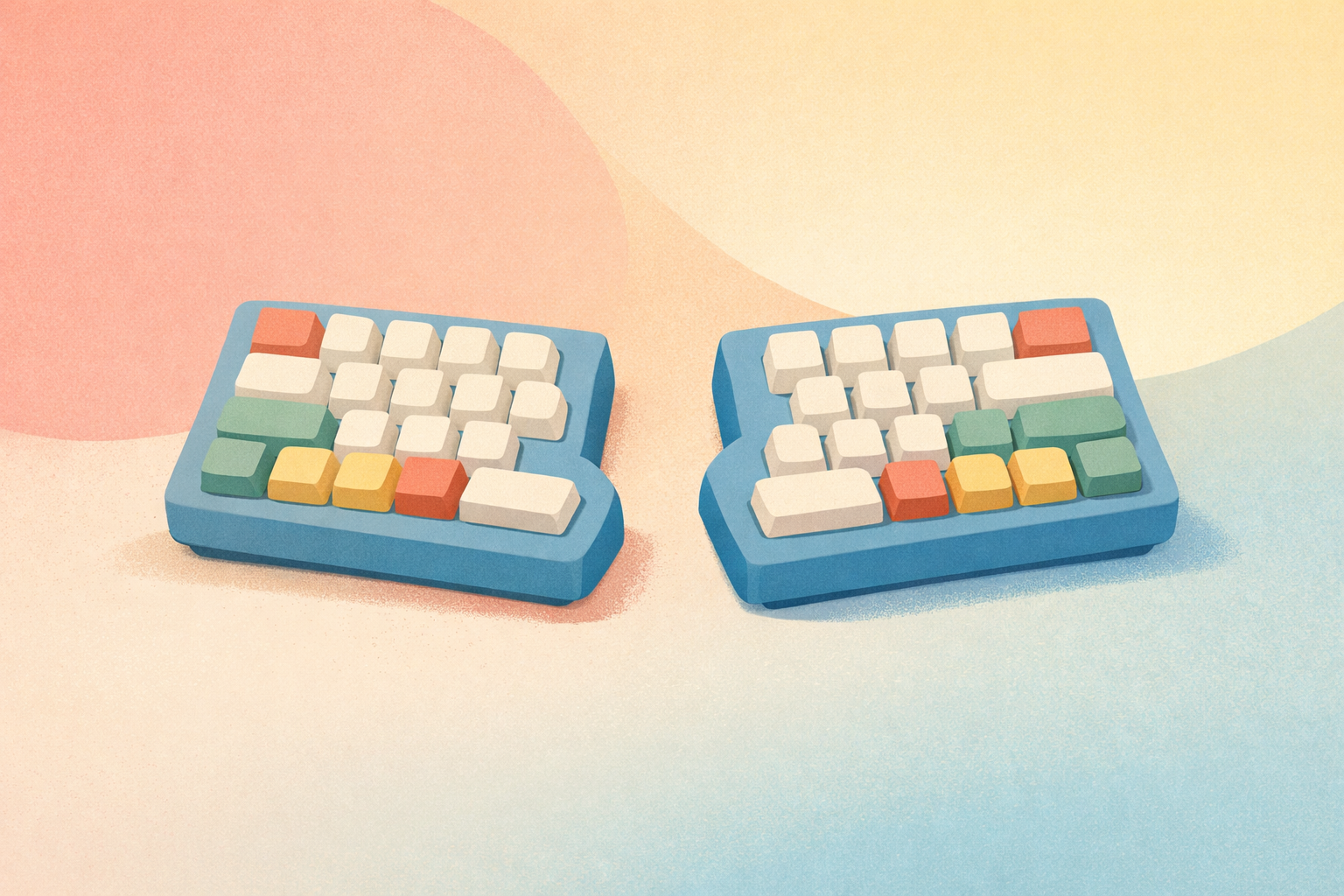
If you spend hours each day typing at a computer, you've likely experienced the telltale signs of strain: aching wrists, sore forearms, or tension creeping up into your shoulders. Traditional flat keyboards force our hands into unnatural positions, and over time, this can lead to repetitive strain injuries (RSI), carpal tunnel syndrome, and chronic discomfort. Enter ergonomic keyboards—specially designed input devices that prioritize your body's natural posture and movement patterns.
What Makes a Keyboard Ergonomic?
Before diving into specific types, it's important to understand what distinguishes an ergonomic keyboard from a standard one. The core principle is simple: reduce strain by aligning the keyboard with your body's natural positioning rather than forcing your body to adapt to the keyboard.
Traditional keyboards require you to angle your wrists outward (ulnar deviation), flatten your palms parallel to the desk (pronation), and often bend your wrists upward (extension). Ergonomic designs address these issues through various mechanical and structural innovations.
Split Keyboards: The Gold Standard of Ergonomics
Split keyboards divide the key layout into two separate sections—one for each hand. This fundamental design choice eliminates ulnar deviation by allowing you to position each half at shoulder width, keeping your wrists straight while typing.
Fixed-split keyboards feature a gap in the middle but remain a single unit. They're an excellent entry point for those new to ergonomic designs, offering improved comfort without a dramatic learning curve.
Fully-split keyboards take this concept further by separating into two completely independent halves. This allows for maximum customization—you can position each half exactly where your hands naturally rest, even placing them at different heights or angles.
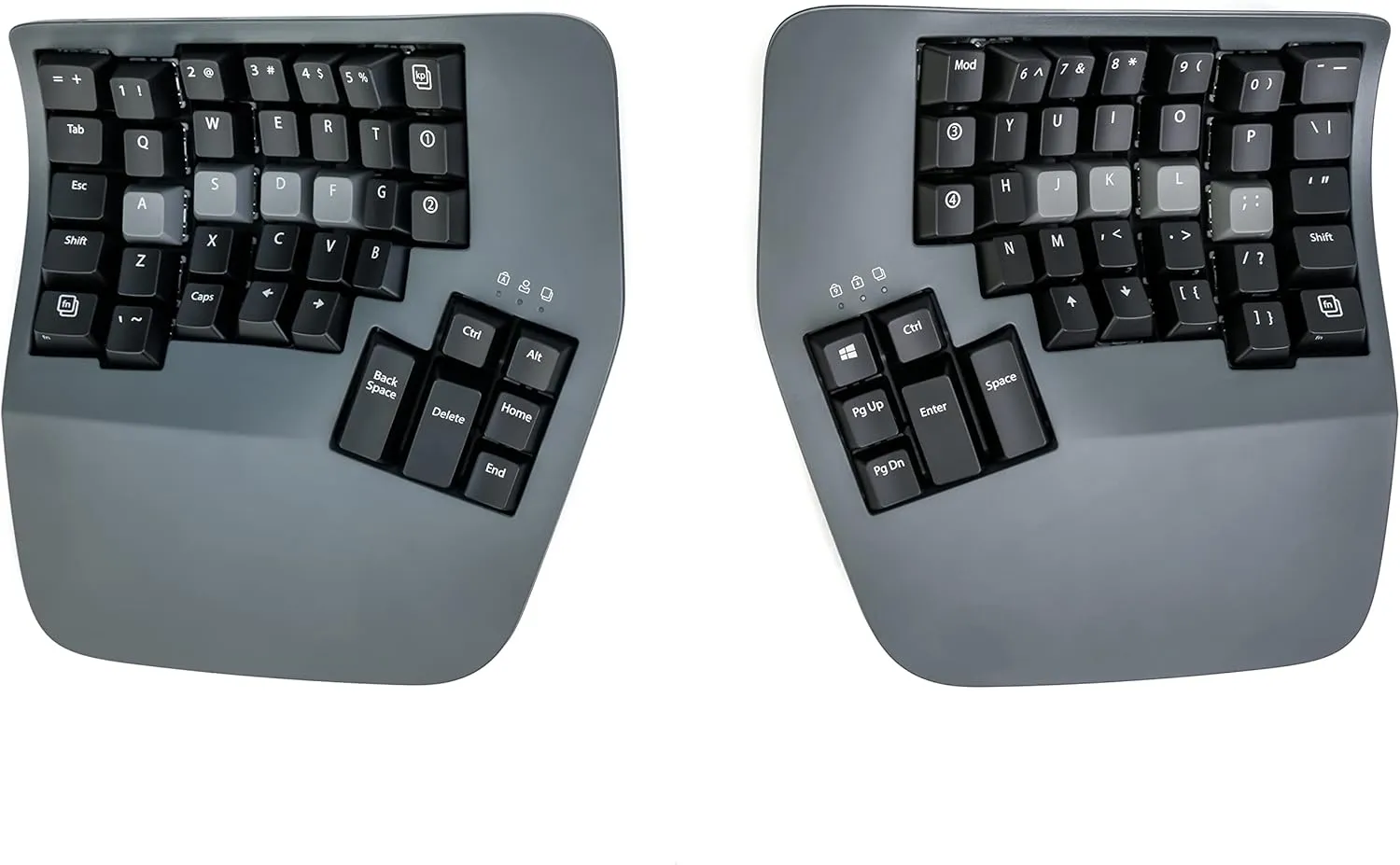
Kinesis Advantage360 Professional Split Ergonomic Keyboard
Tented and Contoured Designs
Tenting refers to raising the inner edges of the keyboard so your hands rest at an angle rather than flat. This reduces pronation—the twisting motion that puts stress on your forearm muscles and tendons. Keyboards with tenting typically offer adjustable angles, letting you find the sweet spot that feels most natural.
Contoured keyboards go even further by sculpting the key wells to match the natural arc of your fingers. Instead of all keys sitting on a flat plane, shorter keys (for your pinky and index fingers) sit higher than those for your longer middle and ring fingers. This reduces finger travel and the stretching required to reach certain keys.
Wave and Curved Keyboards: Ergonomics for Everyone
Not everyone is ready to commit to a dramatically different typing experience. Wave keyboards offer a gentler introduction to ergonomic design, featuring a subtle curve across the key layout that encourages a more natural hand position without completely reinventing the typing experience.
These keyboards maintain a familiar layout while incorporating a gentle S-curve that reduces wrist strain. They're particularly popular in office environments where users need to transition seamlessly between different workstations.
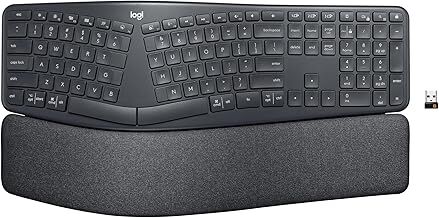
Logitech Ergo K860 Wireless Ergonomic Keyboard
Mechanical vs. Membrane: The Switch Debate
Ergonomic keyboards come in both mechanical and membrane varieties, and this choice significantly impacts your typing experience.
Membrane ergonomic keyboards use a pressure pad system beneath the keys. They're typically quieter and more affordable, making them suitable for shared office spaces. However, they may require more force to register keystrokes, which can contribute to fatigue during extended typing sessions.
Mechanical ergonomic keyboards feature individual switches beneath each key, offering more precise tactile feedback and often requiring less force to actuate. Many users find that mechanical switches reduce typing fatigue, though they tend to be louder and more expensive.
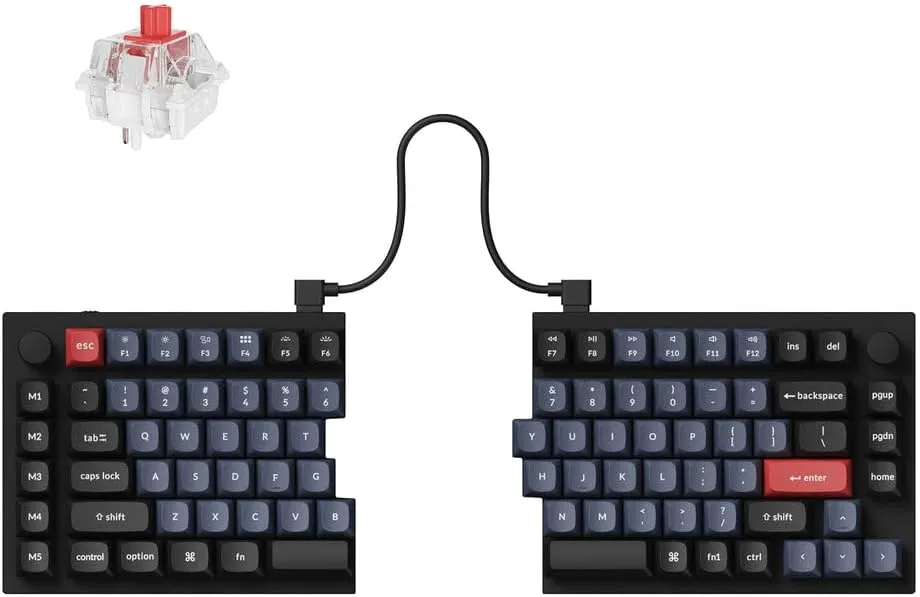
Keychron Q11 QMK/VIA Split Keyboard
Key Layout Variations: QWERTY and Beyond
Most ergonomic keyboards maintain the familiar QWERTY layout, but some take the opportunity to introduce alternative arrangements designed specifically for reduced finger travel and improved efficiency.
Columnar layouts align keys in straight vertical columns rather than the staggered rows of traditional keyboards. This arrangement better matches the natural up-and-down movement of your fingers.
Ortholinear keyboards feature keys arranged in a perfect grid pattern, reducing the lateral finger movements required on staggered layouts. While there's a learning curve, many users report significantly reduced finger strain once adapted.
Integrated Palm Rests and Wrist Support
Many ergonomic keyboards include built-in palm rests, and their importance shouldn't be underestimated. A proper palm rest supports the heel of your palm (not your wrist) and helps maintain a neutral wrist position while typing.
Look for palm rests with memory foam or gel padding that contours to your hand shape. The material should be firm enough to provide support but soft enough to prevent pressure points. Some premium models feature removable, washable palm rest covers—a practical consideration for long-term hygiene.
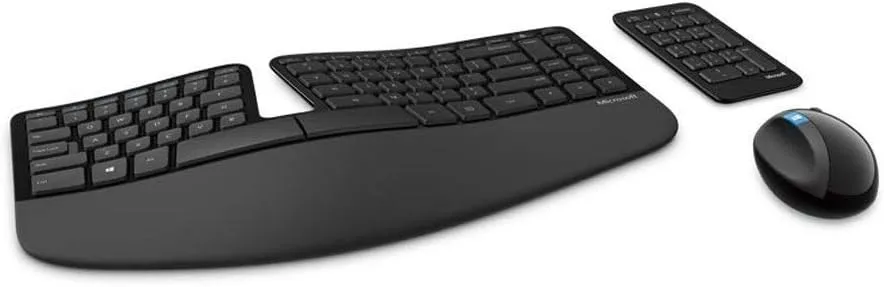
Microsoft Sculpt Ergonomic Wireless Desktop
Wireless vs. Wired: Flexibility Considerations
The choice between wireless and wired ergonomic keyboards involves trade-offs worth considering.
Wireless ergonomic keyboards offer maximum positioning flexibility. With fully-split designs, this means true freedom to place each half wherever feels most comfortable—even on armrests or at your sides. Modern wireless technology has largely eliminated latency concerns for typical typing tasks.
Wired keyboards eliminate battery management and provide consistent, uninterrupted connectivity. For users who prefer a "set it and forget it" approach, wired models remain a reliable choice.
Making the Transition: What to Expect
Switching to an ergonomic keyboard requires an adjustment period. Depending on the design you choose, expect one to four weeks to regain your full typing speed. Split keyboards and alternative layouts typically require the longest adjustment, while wave designs may feel natural almost immediately.
During the transition:
- Start slowly — Use your ergonomic keyboard for short sessions initially
- Practice deliberately — Focus on accuracy over speed
- Be patient — Temporary speed reduction is normal and expected
- Don't switch back and forth — Consistency helps your muscle memory adapt faster
Choosing the Right Ergonomic Keyboard for You
Selecting an ergonomic keyboard depends on several personal factors:
For beginners or shared workspaces: Wave keyboards offer meaningful ergonomic benefits with minimal learning curve. They're familiar enough that anyone can use them immediately.
For serious ergonomic needs: Fully-split, tented keyboards with mechanical switches provide the most customization and strain reduction. They're ideal for users experiencing discomfort or those committed to long-term typing health.
For programmers and power users: Consider mechanical split keyboards with programmable layers and columnar layouts. The initial investment in learning pays dividends in efficiency and comfort.
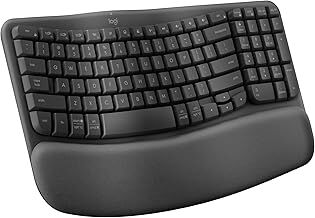
Logitech Wave Keys Wireless Ergonomic Keyboard
The Bottom Line
Ergonomic keyboards represent a worthwhile investment in your long-term health and productivity. While the initial adjustment period and higher price point may give some users pause, the benefits—reduced strain, improved comfort, and decreased risk of repetitive stress injuries—make them essential tools for anyone who types extensively.
Start by honestly assessing your current discomfort levels and typing habits. If you're experiencing any strain symptoms, don't wait for them to worsen. Even a modest upgrade to a wave-style keyboard can make a meaningful difference. For those ready to fully commit to ergonomic typing, split mechanical keyboards offer the ultimate in customization and comfort.
Your hands will thank you.